

- Prev
 AKKO Pudding Keycaps ASA Profile PBT+PC Mechanical Keyboard Set Keys Caps Accessories Universal for 108 87 Keys Color Green
 - Next Ajazz AK980 Tri-mode Wireless Mechanical Keyboard with Display Screen 97 Keys+Volume Knob Hot Swappable Gift Switch V2 RGB 2.4G/BT5.1/Wired Gaming Keyboard for PC Laptop Gasket Structure Color Black

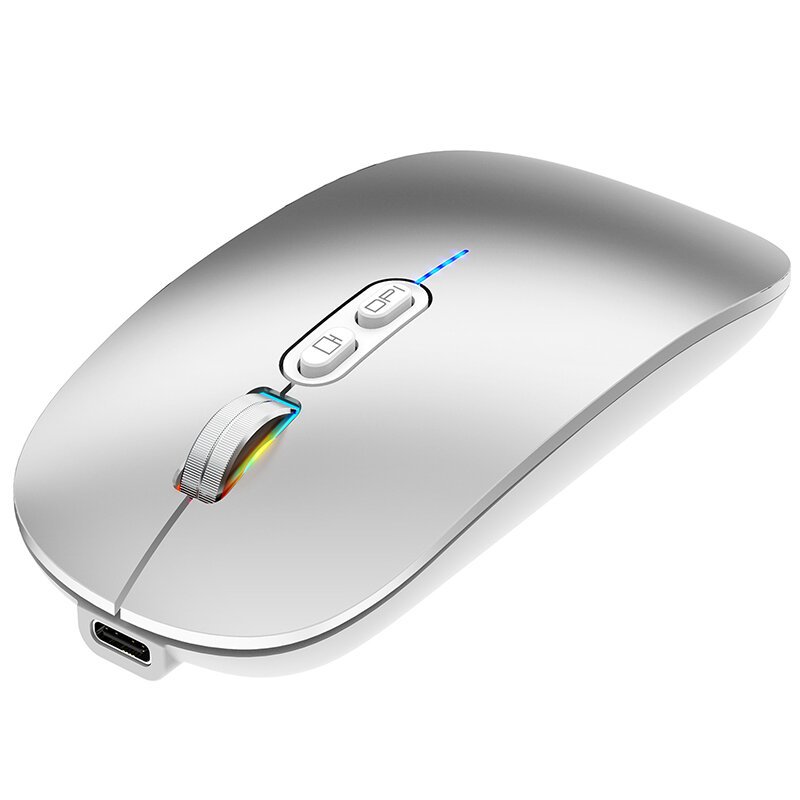
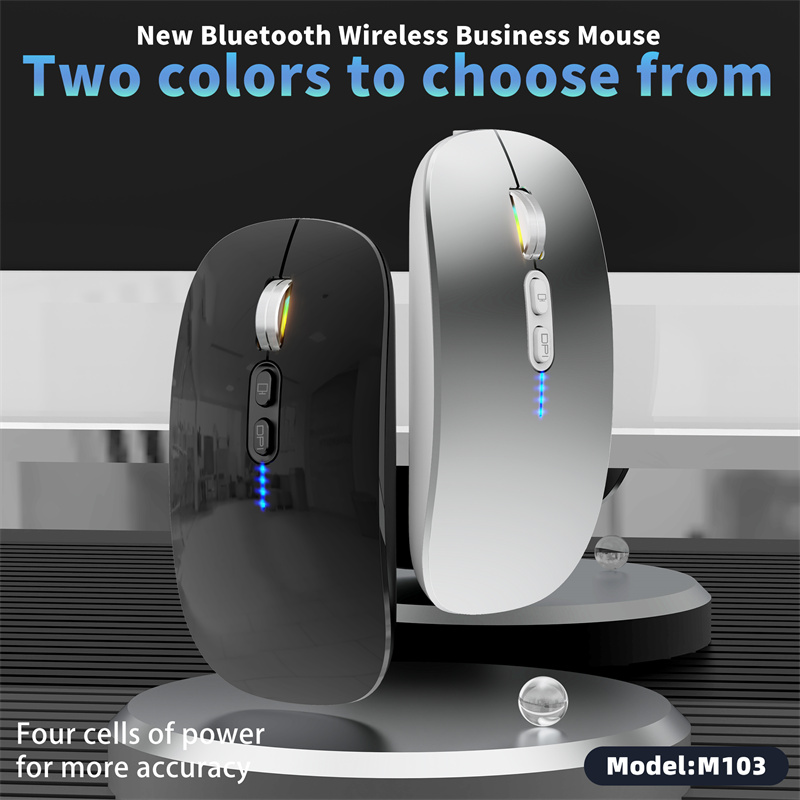
HXSJ M103 Tri-mode Wireless bluetooth Mute Mouse Power Display Ergonomics Type-C Rechargeable Mice Color Black
16,99 $
Smartixshop.com – Try this product with free, secure and fast shipping all around the world!
1 in stock
Description
Specifications:
Brand: HXSJ
Model: M103
Dimensions: 113mm (L) x 57mm (W) x 25mm (H)
Weight: 76g
Battery Capacity: 500mAh
DPI Levels: 800 / 1200 / 1600
Connectivity: 2.4G Wireless, Bluetooth 1, Bluetooth 2
Compatible Operating Systems: Compatible with all computers with a USB port. Bluetooth mode supports Windows 8 and above, for macOS, iOS 13 and above, Android, and HarmonyOS.
Battery Indicator: Four-segment real-time battery display
Features:
1. Tri-Mode Connectivity: Easily switch between 2.4G wireless and dual Bluetooth connections for versatile use with various devices.
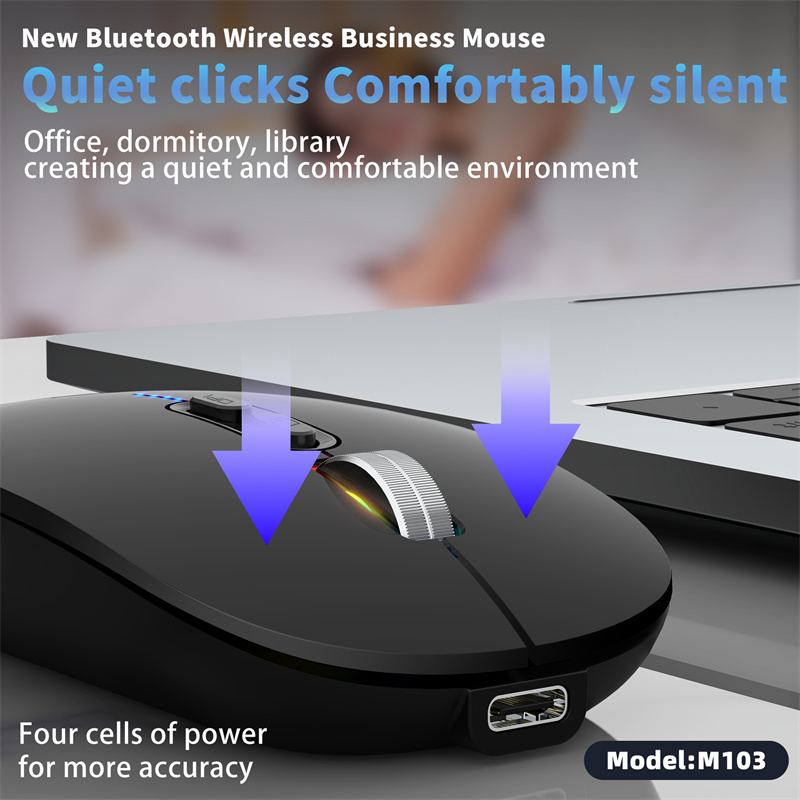
2. Silent Clicking: Mute buttons offer a noiseless experience, ideal for quiet environments like offices and libraries.
3. Ergonomic Design: Compact and comfortable design reduces hand fatigue, ideal for extended use.
4. Type-C Rechargeable: Includes a Type-C port for convenient and fast recharging of the built-in 500mAh battery.
5. DPI Adjustable: Smoothly switch between 800, 1200, and 1600 DPI settings for precision control.
Package Includes:
1 x HXSJ M103 Tri-mode Wireless Mouse
1 x Type-C Charging Cable
1 x User Manual
1 x USB Receiver
1:USB connection
Step 1: Plug the receiver into the UsB port of the computer.
Step 2: Press the power switch at the bottom of the mouse.
‘ON’ and switch the button i0 to 2.4G mode.
The corresponding light flashes green, and then the green light goes out after connecting the equipment and enters the normal mode.
Step 3: Move the mouse or press the left/right button to use normally.
2. Bluetooth connection (BT1-BT2):
Step 1: Press the power switch ‘ON’ at the bottom of the mouse and click the three mouse mode buttons. The blue light corresponding to BT1/BT2 mode flashes.
And starts to enter the coding mode.
Step 2: Turn on the tablet/computer/mobile phone, click the ‘Bluetooth’ interface in the setup menu, and connect the paired mouse (BT5.1 mouse). After the equipment is completed, it is connected, the blue light goes out and enters the normal mode.
Step 3: Move the mouse or press the left/right button to use normally.









Reviews
0.0 Average Rating Rated ( 0 Review )
There are no reviews yet.